
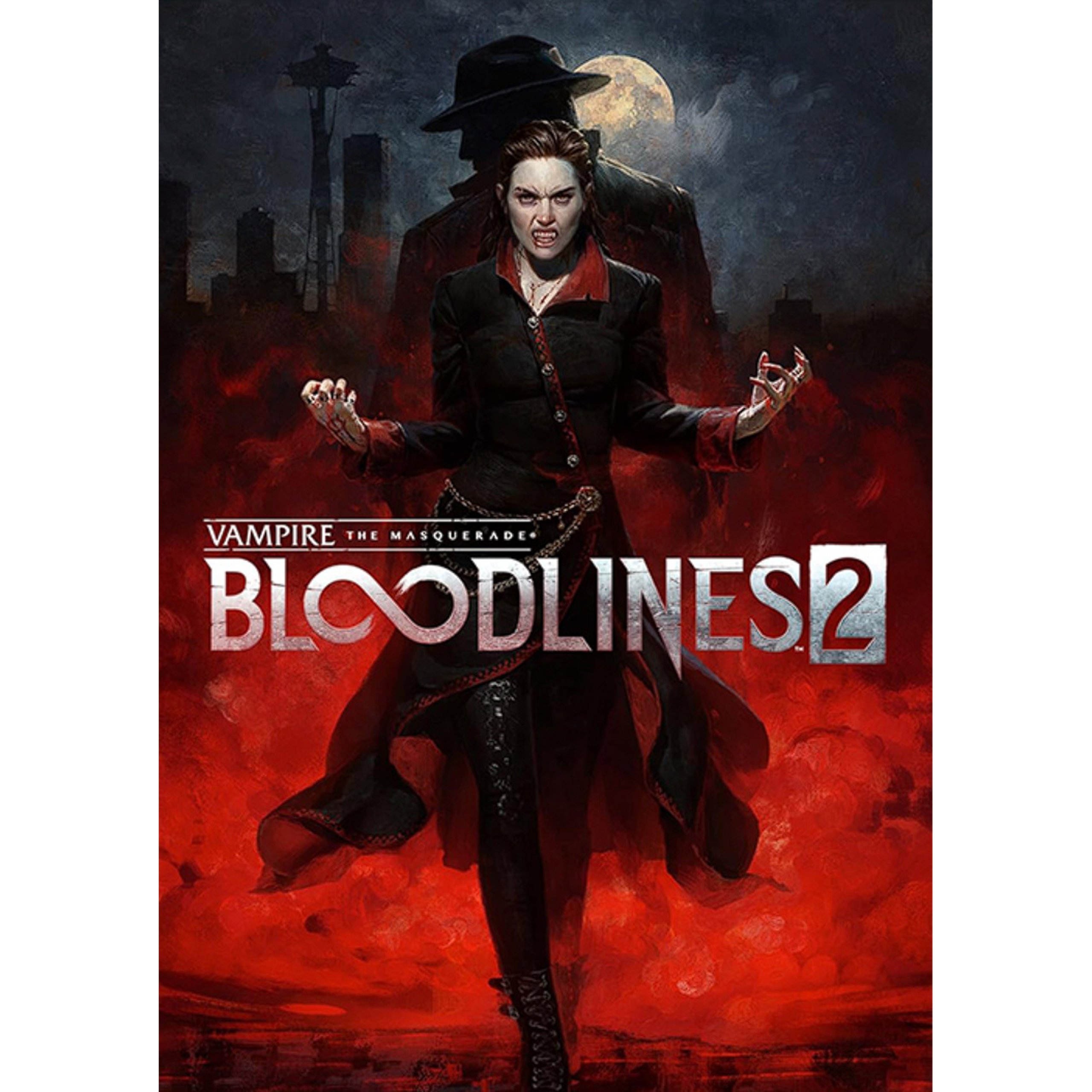
Vampire: The Masquerade – Bloodlines 2 (PC)
Dive into the shadows and reclaim your place at the top of the undead food chain in Vampire: The Masquerade – Bloodlines 2. Awakening from a century-long torpor, you are the Elder vampire Phyre — powerful, feared, and forgotten — newly arrived in a snow-stricken Seattle on the brink of supernatural war.
Now marked with a mysterious sigil that suppresses your full power, and haunted by the voice of a 1920s vampire detective, Fabien, inside your mind, you must navigate a deadly web of vampire politics, human secrets and ancient grudges.
Choose your clan — from the force-wielding Brujah to the slick, shadow-bending Lasombra — and forge alliances, consume blood, master deadly Disciplines, and decide who will rule the night.
Every rooftop, alley and neon-lit dive in this gothic neo-noir city holds danger, deceit and the promise of power. Will you uphold the Masquerade — or shatter it for your own ends? With visceral first-person combat, stealthy supernatural abilities and rich narrative twists, the night is yours to claim.
Become the predator. Shape the court. Control the darkness.
USD $65.00
Steam Key Activation Guide:
- In order to activate your Product Key on Steam, first, you need to install the Steam Client Application. You can download it here.
- After downloading and installing the steam client, Sign in with your Steam logins, and select ADD A GAME. You will get 3 options, from which you need to select the Activate a Product on Steam option.
- After the Product Activation window pops up, select Next.
- Select the I Agree option since Steam Subscriber Agreement needs to be agreed upon in order to continue.
- Copy the Game Key and paste it in the Product Code field, then click Next.
Related products
-
Sale!

Warhammer 40,000: Space Marine 2
Original price was: USD $60.00.USD $53.00Current price is: USD $53.00. -
Sale!
Another Crab’s Treasure
Original price was: USD $30.00.USD $22.00Current price is: USD $22.00. -

Mortal Kombat Variations
USD $1.00 -
Sale!

Monster Hunter Wilds (PC)
Original price was: USD $70.00.USD $51.00Current price is: USD $51.00.